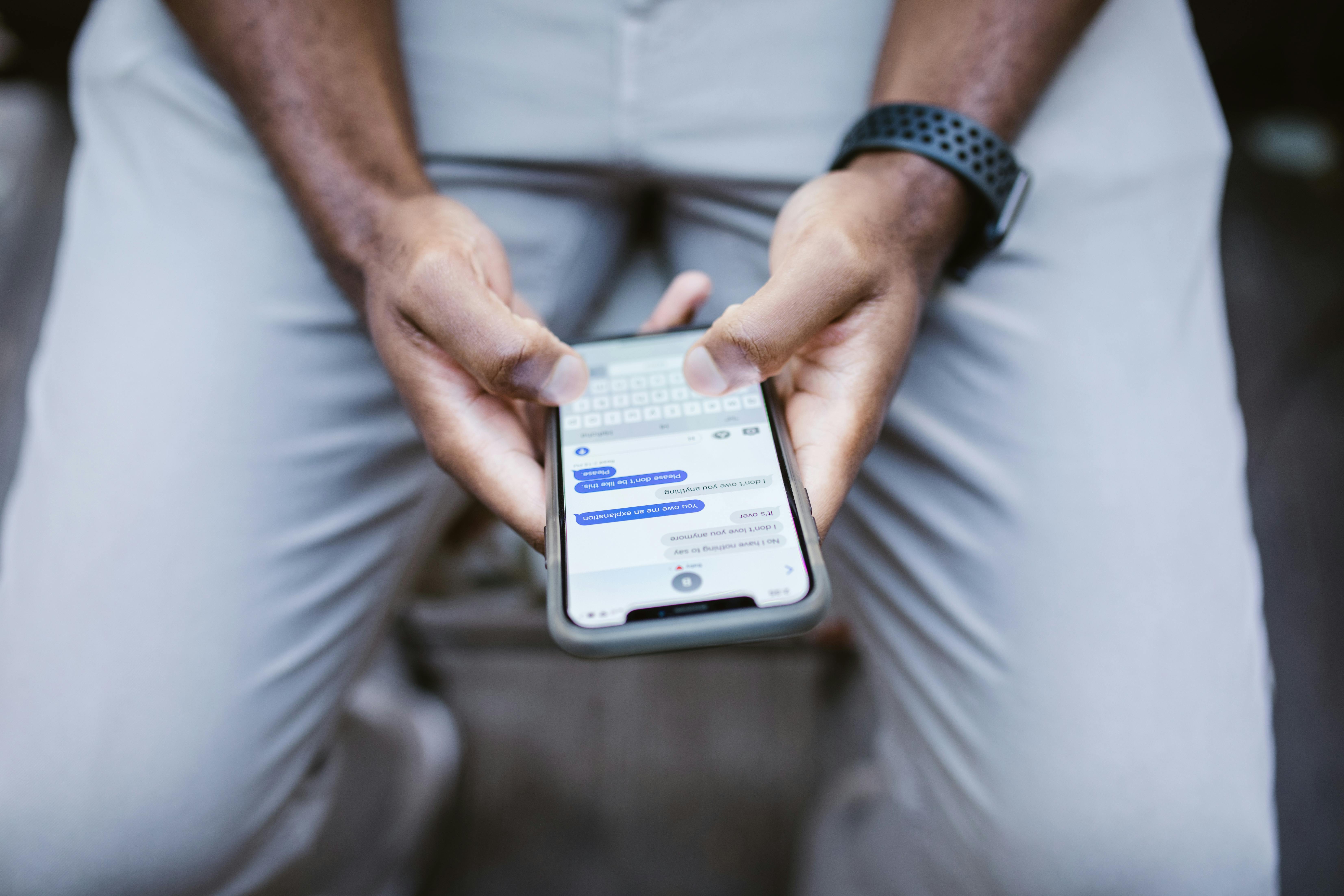
RCS (Rich Communication Services) is the modern replacement for SMS text messaging — supporting high-resolution photos, read receipts, typing indicators, group chats, and now, end-to-end encryption between iPhones and Android phones.
As of 2026, Apple and Google have finally aligned on an encrypted RCS standard. That green bubble problem isn't fully dead, but it got a lot better.
RCS in One Sentence
RCS is to SMS what email with attachments is to a plain postcard — same idea, but with photos at full quality, delivery confirmation, group management, and cryptographic security baked in.
The key new development: cross-platform end-to-end encryption now works between iPhone and Android, meaning your texts to family members on different devices are private in transit — no carrier or government intercept possible.
Bottom line: If you're still using basic SMS to text Android users from your iPhone (or vice versa), your messages have been traveling as readable plain text. RCS with encryption closes that gap.
SMS vs. RCS — What Actually Changes
| Feature | SMS/MMS | RCS (2026) |
|---|---|---|
| Message delivery confirmation | No | Yes |
| Read receipts | No | Yes (can be toggled off) |
| Typing indicators | No | Yes |
| Photo quality | Compressed (often unusable) | Original resolution |
| Video size limit | ~1MB | Up to 100MB |
| Group chat management | Primitive | Full add/remove/rename |
| End-to-end encryption | No | Yes (cross-platform, 2026) |
| Works on Wi-Fi without cell signal | No | Yes |
| Requires carrier support | Yes | Yes (most US carriers) |
The one thing RCS still cannot do: replace iMessage's exclusive features (like satellite messaging, Memoji stickers, and iMessage-only group reactions). Apple's blue bubbles remain Apple-to-Apple.
How End-to-End Encryption Works in RCS
End-to-end encryption (E2EE) means your message is scrambled on your device and can only be unscrambled on the recipient's device. Not your carrier, not Google, not Apple, not law enforcement — nobody in between can read it.
The 2026 cross-platform standard uses a protocol built on the GSMA's RCS Universal Profile, with encryption keys negotiated between devices. Both phones must:
- Support RCS (virtually all modern iPhones and Android phones do)
- Have RCS enabled (check your settings — see below)
- Be on a carrier that supports RCS (AT&T, Verizon, T-Mobile, and most MVNOs now do)
If either party doesn't support encrypted RCS, the conversation falls back to SMS — unencrypted. You'll see a lock icon when encryption is active.

How to Enable RCS on Your Phone
On iPhone (iOS 18+):
- Open Settings → Apps → Messages
- Scroll to "RCS Messaging" and toggle on
- Your carrier activates it automatically — no app needed
On Android (Google Messages):
- Open Google Messages (default app on most Android phones)
- Tap your profile icon → Messages settings → RCS chats
- Toggle on — Google verifies your number with your carrier
Both parties need RCS enabled for encrypted cross-platform texting to work. Once it's active, you'll see a lock icon next to the send button — that's your confirmation.
Bottom line: The process takes under two minutes. The privacy benefit is permanent. Enable it now.
Should You Still Use WhatsApp or Signal?
Honest answer: yes, for some conversations.
RCS encryption (as of 2026) is strong, but WhatsApp and Signal have had mature, audited E2EE for years and offer additional features:
| App | E2EE | Disappearing messages | Desktop sync | International free texting |
|---|---|---|---|---|
| RCS | Yes (2026) | No | Limited | Wi-Fi only |
| iMessage | Yes (Apple only) | Yes | Yes (Mac) | Wi-Fi only |
| Yes | Yes | Yes | Yes | |
| Signal | Yes | Yes | Yes | Yes |
For casual texts with family across iPhone and Android, RCS is now a solid baseline. For highly sensitive conversations, Signal remains the gold standard.
What About SMS Scams?
RCS encryption protects your message content — but it does not stop smishing (phishing via text). Scammers can still send fake bank alerts, package delivery frauds, and IRS impersonation texts over RCS, just as they do over SMS.
Rules that protect you regardless of protocol:
- The IRS contacts you by mail first, never text
- Your bank will never ask for your full account number or password via text
- Suspicious links in texts go to — don't click them; go directly to the official website

The Bottom Line
RCS is worth enabling today — it's free, already on your phone, and the new cross-platform encryption closes a decade-long privacy gap between iPhone and Android users.
It won't replace specialized apps like Signal for high-stakes conversations. But for everyday texting with family and friends across different devices, RCS is now the default that SMS should have been ten years ago.